
In 2025, two major cybersecurity findings have sent a clear message to crypto users: stay cautious—even when using trusted tools like Firefox or macOS.
🕵️♂️ Over 40 Malicious Firefox Extensions Discovered
According to cybersecurity experts at Koi Security, more than 40 dangerous Firefox extensions have been found that specifically target cryptocurrency wallets.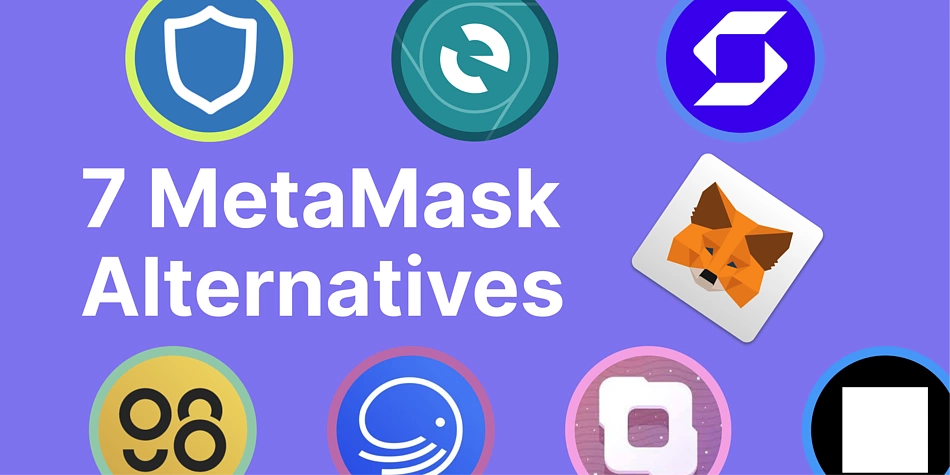
These extensions impersonate well-known crypto tools such as:
-
MetaMask
-
Coinbase
-
Trust Wallet
-
Phantom
-
Exodus
-
OKX
-
Bitget
-
Ethereum Wallet
These malicious tools have been active since at least April 2025, and shockingly, some are still available on the Firefox add-on store today. The most recent ones were uploaded just last week.
Who’s Behind This?
Researchers suspect a Russian-speaking hacker may be responsible. The campaign uses clever social tricks like:
-
High ratings and fake reviews
-
Authentic-looking logos and branding
-
Functional features copied from real apps
In many cases, the hackers cloned legitimate open-source extensions, adding hidden malicious code to steal crypto wallet credentials.
🔐 How to Stay Safe
Koi Security recommends these best practices:
-
Only install extensions from verified publishers
-
Use a browser extension allowlist
-
Monitor for suspicious auto-updates
-
Treat browser extensions like you would full software apps—vet them before use
🌐 Separate but Related: North Korean Hackers Target macOS Crypto Firms
In another cybersecurity alert, SentinelLABS uncovered a campaign by North Korean threat actors targeting crypto-related companies.
These attackers:
-
Use Nim-compiled malware (a rare programming language that evades detection)
-
Rely on social engineering (like fake video call invites) to trick users
-
Exploit macOS scripting tools to bypass security protections

They even use signal-based persistence methods—something not previously seen in macOS malware—to maintain access once inside a system.
🤖 Why This Matters
Cybercriminals are becoming more sophisticated by:
-
Writing malware in unfamiliar languages like Nim or Crystal
-
Targeting cross-platform environments to maximize reach
-
Bypassing OS-level protections in systems like macOS
💡 Tip for Security Teams:
Start investing time in learning how these lesser-known languages are used by attackers. It’s quickly becoming a new trend in malware development.
🧩 Conclusion
Even trusted platforms like Firefox and macOS can be used against you by cybercriminals. Whether it’s a fake browser extension or a socially engineered attack, vigilance is your best defense.