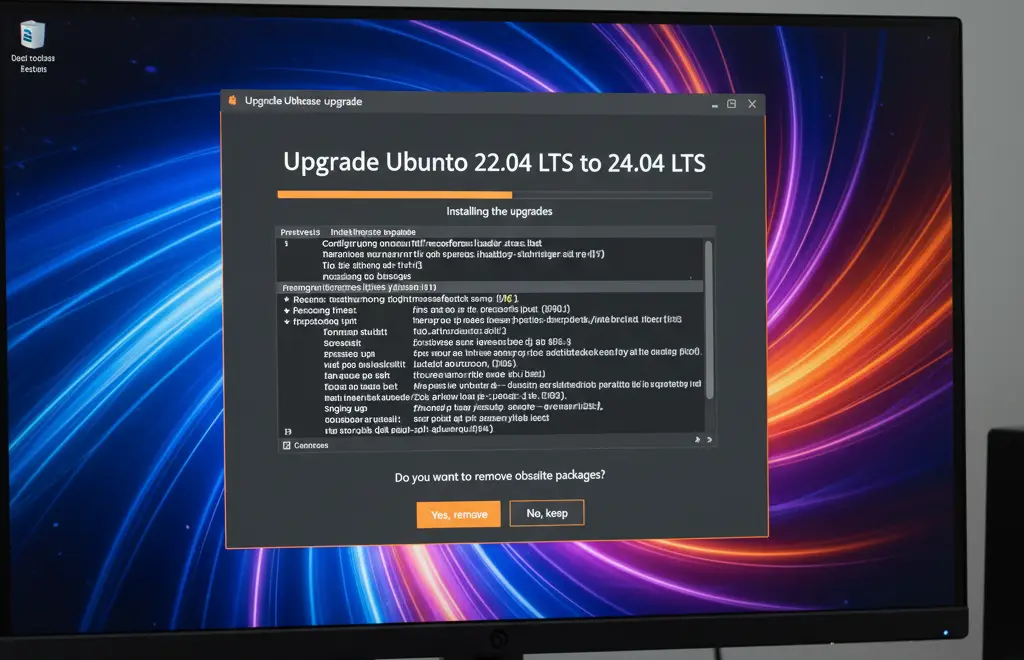
How to Upgrade Ubuntu 22.04 LTS to Ubuntu 24.04 LTS (Step-by-Step Guide)

Upgrade Ubuntu 22.04 to 24.04, Ubuntu, Ubuntu 24.04, Ubuntu 22.04, Ubuntu download, Ubuntu Linux download, Linux Ubuntu download, Download Ubuntu, Ubuntu ISO, Ubuntu ISO download, Ubuntu version check, Check Ubuntu version, How to check Ubuntu version, How to check OS version in Ubuntu, Ubuntu latest version, Latest Ubuntu version, Latest version of Ubuntu, Latest Linux Ubuntu version, Ubuntu 22.04 vs Ubuntu 24.04, Ubuntu 22.04 vs Ubuntu 24.04 performance, Ubuntu 22.04 vs 24.04 difference, Ubuntu 22.04 vs 24.04 server, Ubuntu 22.04 vs 24.04 benchmark, Which Ubuntu is better 22 or 24, Is Ubuntu 24.04 any good, Is it safe to upgrade Ubuntu 22 to 24, Ubuntu 24.04 upgrade guide, Ubuntu 24.04 manual upgrade, How to full upgrade Ubuntu, Upgrade Ubuntu 22 to 24, Upgrade Ubuntu 20.04 to 24.04, Upgrade Ubuntu 20.04 to 22.04, Upgrade Ubuntu 22.04 to 23.04, Upgrade Ubuntu server, Ubuntu upgrade command, Ubuntu update command, Ubuntu upgrade terminal, Update Ubuntu terminal, How to update Ubuntu from terminal, Ubuntu do-release-upgrade, sudo do-release-upgrade, Ubuntu dist-upgrade, Dist upgrade Ubuntu, How to upgrade Ubuntu, Ubuntu 24.04 new features, Ubuntu 24.04 release date, Ubuntu 24.04.1 LTS, Ubuntu 24.04 end of life, Ubuntu versions, Ubuntu desktop download, Ubuntu LTS, Ubuntu 24 LTS download, Latest Ubuntu version download,

Ubuntu 24.04 LTS (Noble Numbat) is the latest Long-Term Support release from Canonical, offering improved performance, better security, and new features compared to Ubuntu 22.04 LTS (Jammy Jellyfish). If you’re currently running Ubuntu 22.04, upgrading to 24.04 ensures you stay secure and benefit from the latest software updates.

In this guide, you’ll learn two methods to upgrade:

  • Command-line method (for servers & power users)
  • Graphical interface (GUI) method (for desktop users)

Why Upgrade to Ubuntu 24.04 LTS?

Before jumping into the upgrade, here are some reasons to switch to Ubuntu 24.04 LTS:

  •  5 years of official support (until 2029)
  •  Better performance and efficiency on both desktop & server
  •  Updated Linux Kernel with enhanced hardware support
  •  Improved security patches & encryption options
  •  Latest versions of default apps and developer tools

Important Pre-Upgrade Tips

  • Backup your data (use Timeshift, rsync, or cloud storage).
  • Disable or remove third-party PPAs before upgrading.
  • Make sure you have at least 10 GB free disk space.
  • For remote servers, use tmux or screen to avoid interruptions.

Method 1: Upgrade Ubuntu 22.04 to 24.04 via Command Line (Server & Desktop)

This method is ideal if you’re running a server (CLI only) or prefer using the terminal.

Step 1: Update Your Current Ubuntu System

Open a terminal and run:

				
					sudo apt update && sudo apt upgrade -y
sudo apt dist-upgrade -y
sudo reboot


Step 2: Install Update Manager Core

Make sure the update manager is installed:

				
					sudo apt install update-manager-core


Step 3: Configure Release Upgrades

Edit the release upgrade configuration file:

				
					sudo nano /etc/update-manager/release-upgrades


Ensure it contains:

				
					Prompt=lts


Save and exit (CTRL+O, Enter, CTRL+X).

Step 4: Start the Upgrade Process

Run the upgrade command:

				
					sudo do-release-upgrade -d


Step 5: Reboot Into Ubuntu 24.04

Once completed, restart your system:

				
					sudo reboot


Check your version:

				
					lsb_release -a


You should now see:

Description: Ubuntu 24.04 LTS

Method 2: Upgrade Ubuntu 22.04 to 24.04 Using GUI (Desktop Users)

If you’re running Ubuntu Desktop with GNOME, you can upgrade using the Software Updater.

  1. Open “Software Updater” from the applications menu.
  2. Install all pending updates for Ubuntu 22.04.
  3. Once updates are done, restart your PC.
  4. Open “Software Updater” again – you should see a message:
    “A new version of Ubuntu is available – 24.04 LTS.”
  5. Click Upgrade and follow the on-screen steps.

This process can take 30–90 minutes, depending on your internet speed and hardware.

Conclusion

Upgrading from Ubuntu 22.04 LTS to Ubuntu 24.04 LTS is a smooth process if you follow the right steps. Whether you prefer the command-line or GUI method, you’ll enjoy better performance, stronger security, and the latest Linux features.

Anjali Sharma

AUTHOR

Anjali Sharma

(Tech Writer – Tech New Skills)

With several years of expertise in troubleshooting and technical writing, Anjali specializes in creating simple, step-by-step guides for Windows, Linux, macOS, and Cloud technologies. Her focus is on helping users resolve system and platform issues efficiently with clear and practical solutions.

0 0 votes
Article Rating
Subscribe
Notify of
guest
15 Comments
Oldest
Newest Most Voted
Inline Feedbacks
View all comments
binance create account
2 months ago

Your point of view caught my eye and was very interesting. Thanks. I have a question for you. https://www.binance.com/register?ref=IXBIAFVY

注册以获取100 USDT
注册以获取100 USDT
2 months ago

Thank you for your sharing. I am worried that I lack creative ideas. It is your article that makes me full of hope. Thank you. But, I have a question, can you help me?

mgpk777
mgpk777
2 months ago

Figured I’d drop a line about mgpk777. Been playing on it for a bit. It’s alright. Could be better, could be worse. But hey, keeps me entertained. See what you think at mgpk777.

Registracija
Registracija
1 month ago

I don’t think the title of your article matches the content lol. Just kidding, mainly because I had some doubts after reading the article.

fb77706login
fb77706login
1 month ago

Quick and easy fb77706login process. Had no problem getting in and starting to play. Thumbs up from me! Find your login here: fb77706login.

binance skapa konto
binance skapa konto
1 month ago

Your article helped me a lot, is there any more related content? Thanks!

Cont Binance gratuit
1 month ago

Your article helped me a lot, is there any more related content? Thanks! https://accounts.binance.com/lv/register?ref=SMUBFN5I

binance us registrácia
24 days ago

Your point of view caught my eye and was very interesting. Thanks. I have a question for you. https://accounts.binance.com/register-person?ref=IXBIAFVY

binance
binance
12 days ago

Can you be more specific about the content of your article? After reading it, I still have some doubts. Hope you can help me.

Registrera dig
Registrera dig
10 days ago

Your point of view caught my eye and was very interesting. Thanks. I have a question for you. https://www.binance.info/uk-UA/register?ref=XZNNWTW7

dewabetvn8
dewabetvn8
7 days ago

Just stumbled upon ‘dewabetvn8’. Heard some good things about their betting platform. Gonna give it a whirl and see if I can win some dough! Wish me luck! Worth a look at dewabetvn8

yo88vina
yo88vina
7 days ago

yo88vina, huh? Never heard of it. I’ll give it a try. Visit the website: yo88vina

sv3888
sv3888
7 days ago

Alright, let’s see what this sv3888 is all about. Heard some rumors about it from a friend. Found it at sv3888

binance
binance
6 days ago

Thank you for your sharing. I am worried that I lack creative ideas. It is your article that makes me full of hope. Thank you. But, I have a question, can you help me? https://www.binance.com/register?ref=IXBIAFVY

binance
binance
1 day ago

Thank you for your sharing. I am worried that I lack creative ideas. It is your article that makes me full of hope. Thank you. But, I have a question, can you help me? https://www.binance.info/register?ref=IHJUI7TF

15
0
Would love your thoughts, please comment.x
()
x